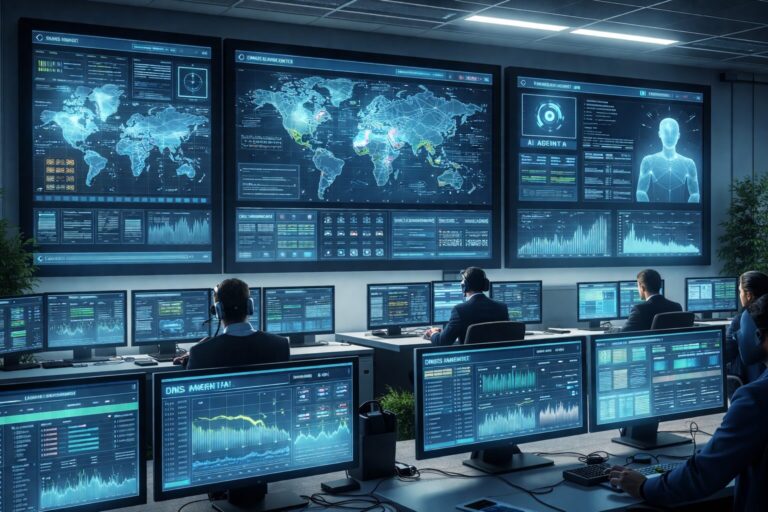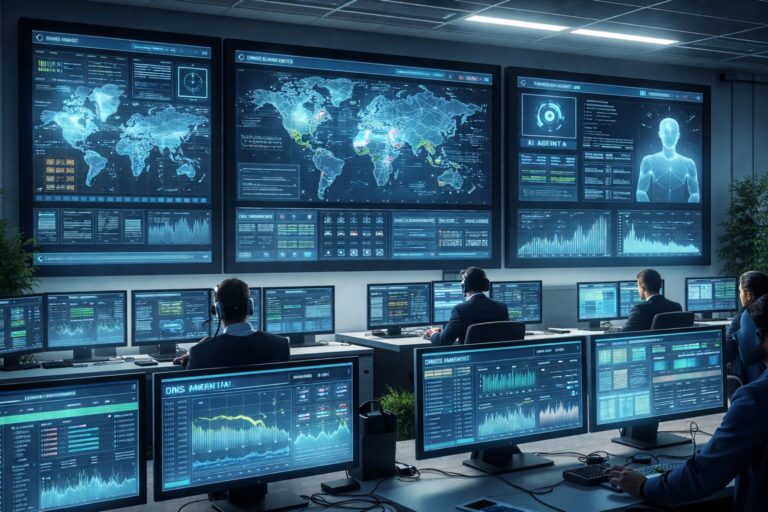
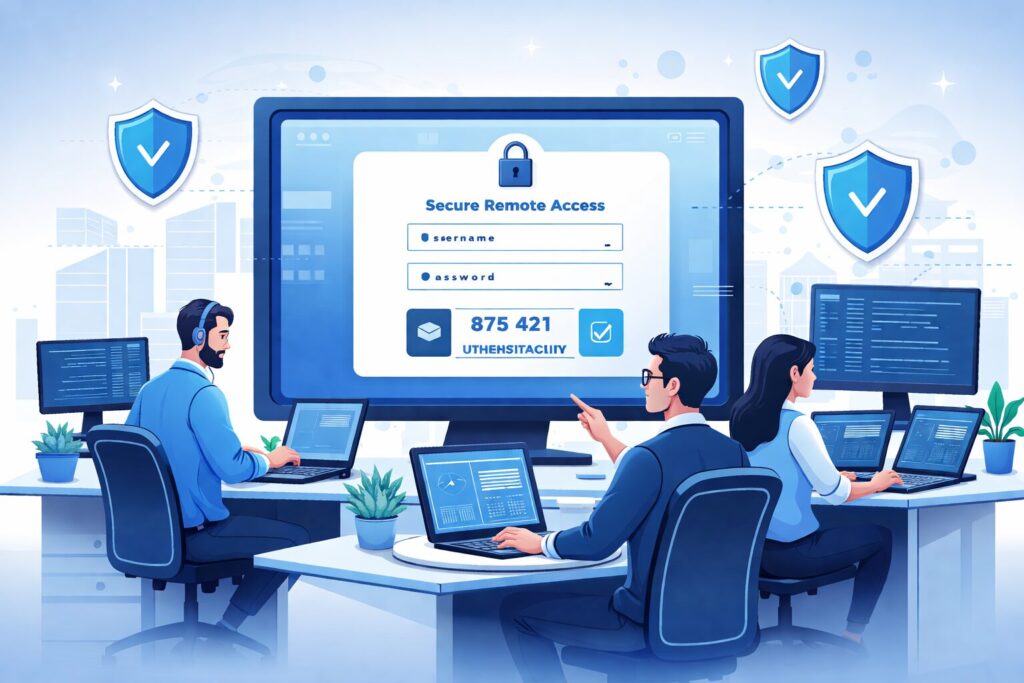
In today’s increasingly popular remote work environment, securing remote control software is no longer just an internal IT topic; it directly impacts enterprise data, account systems, operational boundaries, and compliance responsibilities. Many companies initially installed remote control tools like Sunflower (向日葵), ToDesk, TeamViewer, AnyDesk, or used Windows Quick Assist just for convenient troubleshooting. However, when usage scales up, permission control weakens, and audit logs are missing, this “convenience door” can quietly turn into an “express highway” for attackers.
In real projects, I have seen scenarios where Helpdesk staff expand unattended access permissions recklessly, operations personnel use personal accounts to bind company devices, employees keep file transfer and clipboard sync always enabled for convenience, and some organizations do not enable MFA or integrate remote session logs into SIEM at all. Superficially, remote control seems like “just remotely connecting to a computer,” but security-wise, it touches on high-privilege operation channels, identity authentication, vendor cloud relays, endpoint control, data exchange, and audit tracing — all sensitive points. If not secured properly, its risk level is no lower than VPNs or bastion hosts.
This article will explain, from risks, modes, baselines, and product selection perspectives, why enterprises must not treat remote control tools as ordinary software that can be “installed and used,” and how to find a practical balance between efficiency and security.
Why is remote control software security often underestimated? Because it’s seen as everyday and convenient. Connecting remotely to fix employee issues or maintain servers seems easier than VPNs, but remote control tools essentially open direct operation access to endpoints. Long-term exposure, excessive permissions, and weak authentication create a “key” for external attacks.
From attack chain view: weak account systems without MFA vulnerable to account hijacking, cloud relay through vendor services exposing control traffic, session capabilities like file transfer and clipboard synchronization becoming data exfiltration paths without audit, and careless employee habits bypassing approval and least privilege principles — all increase risks.
Many ransomware and internal violation cases reveal remote control tools as key enablers after attackers compromised accounts, bypassing email gateways and network boundaries. Security agencies like Microsoft and CISA emphasize integrating remote access tools into identity, audit, and governance frameworks.
Four remote control modes:
1. Temporary assistance (e.g., Windows Quick Assist) requiring user presence and short-lived session, least attack surface.
2. Controlled unattended mode with enterprise authentication, MFA, whitelists, RBAC, session recording, and periodic permission review.
3. High sensitivity scenarios (source code, finance, domain controllers) requiring bastion hosts, VPNs, RDP/SSH, or private platforms with strict processes.
4. Self-hosted/private relay (e.g., RustDesk self-hosted) with stronger control but requires self-managed server security, patching, certificate management, logging, and incident response.
Security baseline recommendations for enterprises:
– Unified enterprise account login (e.g., Entra ID/AD/SSO)
– Enforce MFA, especially for admins and operators
– Disable file transfer and clipboard sync by default
– Integrate session logs and recordings into SIEM
– Perform regular permission reviews
Product selection guidance:
– Consumer-grade penetration software (Sunflower, ToDesk): fast and easy but risk misuse; must use enterprise editions with centralized control
– Enterprise remote support (TeamViewer, AnyDesk, BeyondTrust, Intune Remote Help): mature features but still require governance
– Built-in system assistants (Windows Quick Assist): ideal for short-term support
– Self-hosted (RustDesk): best for maximum control but need strong operation capabilities
Frequently Asked Questions cover safety aspects, mode comparisons, product suitability, and common negligence areas.
In conclusion, enterprises need not faster connections but controlled, traceable, and revocable remote access. If you are evaluating remote office security, remote operations governance, or private architecture for remote support tools, consider professional consulting to avoid pitfalls.
************
The above content is provided by our AI automation poster