Is That PDF File Name Real? — How Unicode RLO Phishing Tricks Your Eyes
A file named “2026 Security Audit Report.pdf” — double-click it, and your machine is compromised. It was never a PDF. An invisible character in the filename pushed the real extension beyond your field of view.
The One Type of Phishing Most Security Training Misses
Standard security awareness training teaches employees a simple rule: don’t open executable files (.exe, .scr, .vbs) from untrusted sources. The rule itself is sound. The problem is that attackers no longer need you to knowingly run an .exe — they just need you to believe the file you’re looking at is a .pdf.
The key to this attack is a Unicode control character called Right-to-Left Override (RLO), catalogued by MITRE ATT&CK as T1036.002 (Masquerading: Right-to-Left Override). It is not a new technique — threat groups including BlackTech, BRONZE BUTLER, and Ke3chang have used it in real-world operations. Yet most employees, and even some security operations staff, only know it as something they’ve “heard of.”
How One Character Deceives the Human Eye
U+202E is an invisible control character defined in the Unicode standard. Its official name is RIGHT-TO-LEFT OVERRIDE, and its function is straightforward: it reverses the display direction of every character that follows it, turning left-to-right into right-to-left.
That sounds abstract. In a filename, it becomes very concrete:
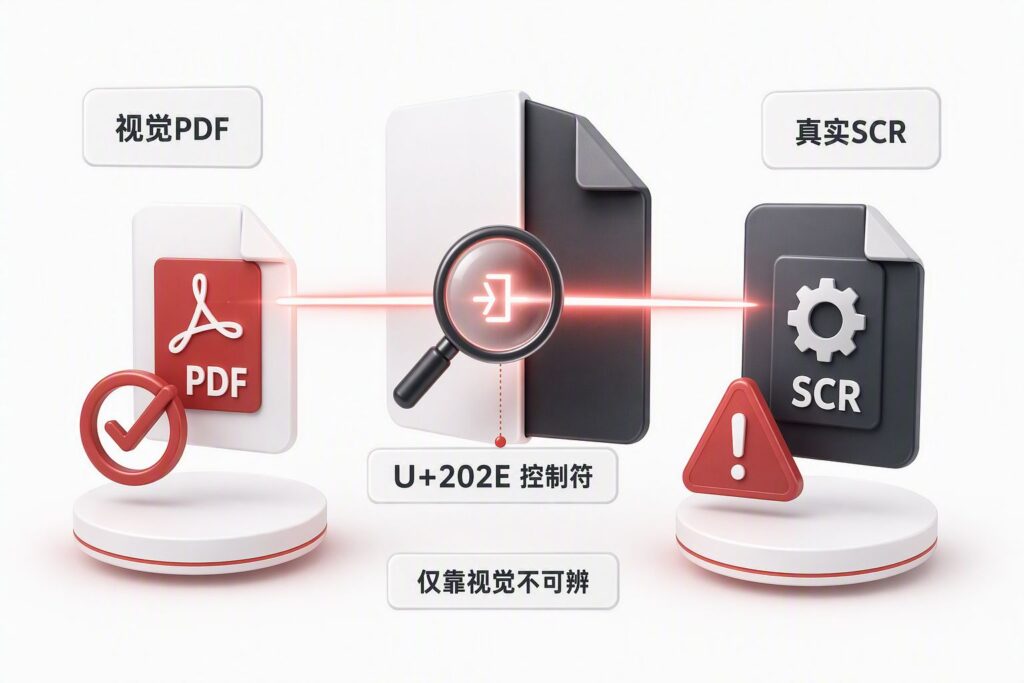
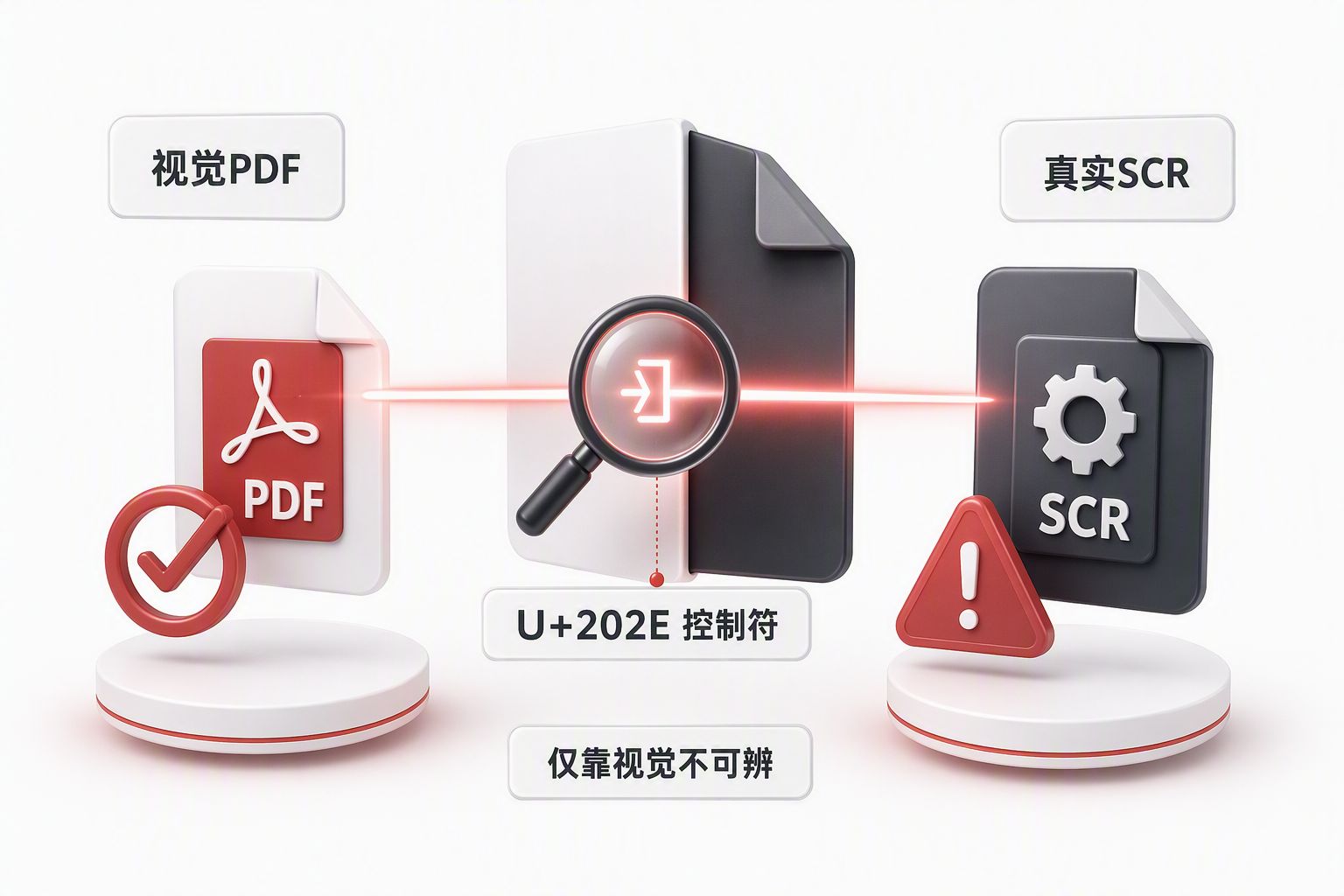
A real Windows executable is named March 25 [U+202E]xcod.scr. When Windows Explorer renders this name, everything after the U+202E character is displayed in reverse. xcod.scr reads right-to-left as rcs.docx. The user sees March 25 rcs.docx — a perfectly normal Word document.
The operating system, however, knows what it really is. The File Properties → Type of file field clearly says “Screen Saver” (.scr is executable), not “Microsoft Word Document.” The attacker is betting the user won’t check properties.
The elegance of this technique is that it exploits no system vulnerability and triggers no conventional antivirus behaviour detection. It doesn’t attack the operating system. It attacks human visual cognition.
Triple Deception: Name, Icon, and Decoy
In real-world attacks, the deception rarely stops at the filename. A well-constructed RLO phishing attack stacks three layers:
Layer one: the filename. U+202E makes the visual extension appear as .pdf, .docx, or .xlsx, while the real extension is .scr, .exe, or .js.
Layer two: the icon. The attacker can assign a PDF reader or Word icon to the executable. The file browser shows an Adobe Acrobat icon for what is actually a program.
Layer three: the decoy document. When the victim double-clicks the “PDF file,” the malicious program first executes its payload — persistence, beaconing — then opens a real PDF or Word document. The user sees normal content. The last shred of suspicion is gone.
The combined effect: everything the user sees, clicks, and reads signals “this is a legitimate document.” Only the operating system knows it executed a program.
Defending on Two Fronts
Defending against RLO phishing requires both technical controls and user awareness.
Technical Detection: From File Intake to Behaviour Chain
At the gateway: Scan filenames for Unicode bidirectional control characters. The following regex covers common left-to-right/right-to-left marks, embeds, overrides, and isolates:
[u200Eu200Fu202A-u202Eu2066-u2069]Files matching this pattern should be flagged for quarantine or manual review. Normalising the entire bidirectional text block is more robust than matching U+202E alone.
At the endpoint: Correlate behavioural events. The weakness of filename-based detection is that attackers can easily rename files. A more stable approach chains multiple events in a time window:
- Explorer launches an unknown program from Downloads, the user directory, or Temp
- That program subsequently launches a browser or document viewer
- The viewer opens a decoy document
- The host establishes an unexpected outbound connection
- New content appears in Temp, startup items, or scheduled tasks
Any single event in this chain could be normal — users open documents, browse the web, and make network connections every day. Linked together in a short time window, the signal becomes reliable.
User Awareness: Three Checks, One Principle
For end users, remembering three checks defeats most RLO phishing attacks:
Check one: File Properties → Type of file. Regardless of what the filename says, the Type field is the operating system’s true classification. The name says PDF but the type says “Screen Saver” or “Application” — stop immediately and verify the source.
Check two: Digital signature. Review the signer, validity status, and origin. “Signed” does not equal “trusted,” but “unsigned” or “invalid signature” is a clear danger signal.
Check three: System security prompts. Windows displays “This file came from the internet” and “Unknown publisher” warnings for executable files from external sources. These are not dismissible pop-ups — they are the last line of defence.
One principle belongs in every security awareness programme: visual extension is not a security boundary. The file icon, the file name, and the document content the user reads may all point to different execution objects.
What to Do If a File Has Already Been Opened
Discovery of an RLO phishing file should not stop at deletion. The payload may have already established persistence. Follow-up checks should include: any abnormal child processes in the process tree, new content in temporary directories, unexpected outbound network connections, and modifications to startup items and scheduled tasks. Only when all of these are clean is the incident fully contained.
DELine’s position: Unicode RLO attacks deserve serious attention not because their technique is sophisticated — it is, in fact, remarkably simple — but because they exploit a blind spot in most enterprise security postures. Defences are designed around “how the system judges a file,” not “how a human judges a file.” The human process of reading a filename is itself an attack surface that needs protection.
Embed technical detection rules in your gateway and endpoint policies. Embed checking methods in your security awareness training. Only when both tracks are running will this “look-once-and-you’re-compromised” attack find no footing in your organisation.
If your organisation needs endpoint security policy auditing, security awareness programme development, or security product architecture and integration design, DELine offers end-to-end services from assessment through deployment. Reach us at www.de-line.net or via our contact page.