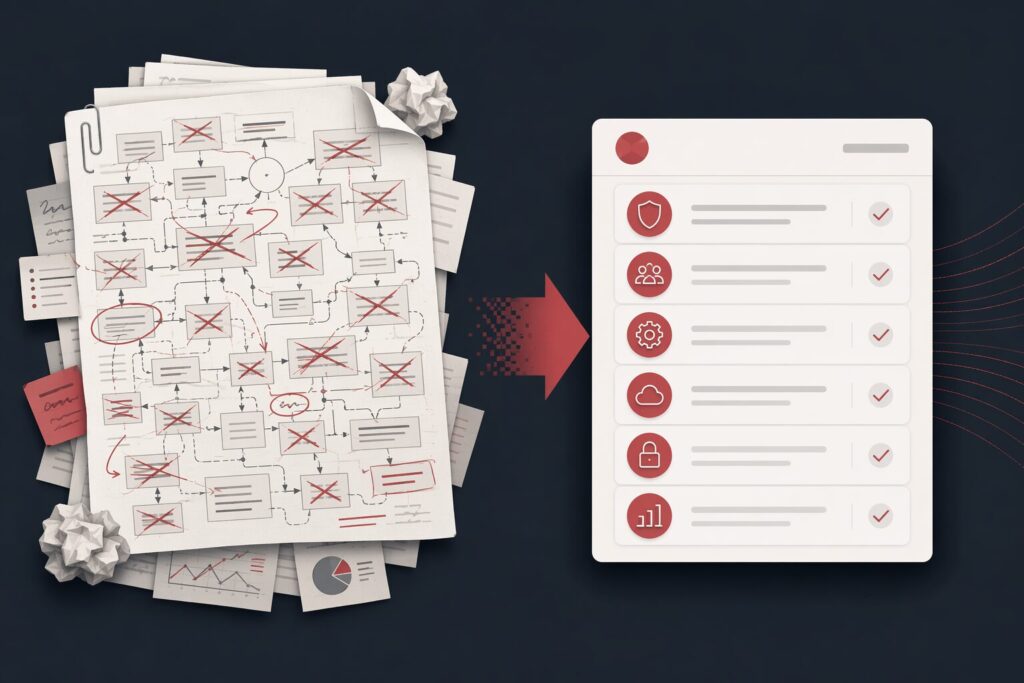
Is your CLAUDE.md slowly turning into a 500-line rulebook? Coding style, commit policy, security checks, test commands, review rituals, tool instructions, exceptions to the exceptions. It feels responsible, until the agent starts hesitating, overfitting, or contradicting itself.
The uncomfortable answer: many prompts written for the GPT-4 era are now mostly dead weight for newer models. The fix is not to keep adding rules. The fix is to design the context around the agent.
The source article discussed prompt-reduction examples from Anthropic and OpenAI. For enterprise implementation, treat that as a signal rather than a slogan: compare it with Anthropic’s engineering note on effective context engineering for AI agents and OpenAI’s latest model guidance on using leaner prompts. The shared lesson is clear enough: modern agents need less boilerplate and more structured, retrievable, verifiable context.
Prompt Engineering Is Not Enough Anymore
A prompt is the instruction you type. Context is everything the model actually sees: system messages, project files, memory, skills, referenced documents, tool schemas, examples, tests, and the surrounding codebase. When models improve, the winning move often changes from “write more instructions” to “make the environment easier to reason about.”
For a business team, context engineering is a governance problem. The question is no longer “How do we force the model to obey this line?” It is “Where should this information live so the agent can use it at the right time, with the least ambiguity and the least token waste?”
The 6 Rules: How To Shrink an AI Agent Prompt Without Losing Control
Use these six checks to audit your current AI agent instructions before they turn into a maintenance burden.
1. Replace hard bans with contextual judgment
Old prompts often contain absolute rules: never add comments, always write a plan, never create a document, always run this command. These rules feel safe, but they break as soon as the real task has a legitimate exception.
A better instruction is shorter and more adaptive: write code that matches the surrounding codebase, including naming, comments, structure, and testing style. The model can inspect the local context and make a better decision than a stale universal rule.
Try this: search your agent instructions for always, never, must not, and 禁止. If the model can infer the rule from the repo, delete the line.
2. Design better tools instead of adding more examples
Few-shot examples still help in some workflows, but they are not a substitute for a clean interface. If a tool has vague parameter names, hidden constraints, and unclear states, adding five examples only hides the real problem.
For agent workflows, a small schema with precise field names, explicit enum values, and clear failure states is usually better than a long prose tutorial. The agent should be able to look at the interface and know what to do.
Try this: move constraints into the tool schema or API contract. If the prompt has to explain the same parameter every time, the interface is probably carrying too little meaning.
3. Load knowledge only when the agent needs it
Many teams dump review policies, deployment steps, security rules, and troubleshooting guides into one giant agent file. That makes every task pay for every possible workflow, even when the task only needs one of them.
Use progressive disclosure instead. Keep the main agent instruction short, then route detailed workflows into separate skills, runbooks, or reference files that the agent opens only when the task calls for them.
Try this: any procedure longer than five lines should usually become a separate skill or runbook. The main file should point to it, not reproduce it.
4. Remove duplicate and conflicting instructions
Agent context often fails quietly because the same rule appears in multiple places with slight variations. One file says “add helpful comments.” Another says “do not add comments unless asked.” The model tries to satisfy both, and the result becomes inconsistent.
Try this: search across system prompts, project instructions, skills, and team templates for the same concepts: comments, tests, security, release, deploy, review. Keep one authoritative rule in the most relevant place.
5. Let memory and project structure carry stable facts
Not every project fact belongs in a prompt. If the agent can infer style from code, folder structure, package scripts, tests, or memory, writing it again just increases noise.
Use the main instruction file for facts the agent cannot infer: unusual deployment boundaries, customer-specific constraints, private naming conventions, safety rules, or decisions that are not visible from the repository.
Try this: delete generic advice such as “write clean code” or “use meaningful names.” Keep the weird, local, business-critical constraints.
6. Give richer references, not longer specifications
Modern agents can use more than markdown requirements. A working HTML page, a screenshot, a failing test, a rubric, or a real example can carry intent more accurately than another page of prose.
For enterprise AI workflows, tests and rubrics are especially valuable. They turn “do a good job” into an executable or reviewable quality gate.
Try this: attach the artifact that defines success. Use tests for behavior, screenshots or HTML for UI, and rubrics for subjective quality.
Interactive Audit: Check Your Agent Context in 6 Steps
Use this quick checklist to decide what should stay in your agent prompt and what should move into skills, tools, memory, or tests.
-
Search for
always,never,must, andforbid. If the agent can infer the behavior from the repository, remove the instruction. -
Search every instruction source for the same topic. Keep one authoritative rule in the most relevant place.
-
Move long workflows into skills, runbooks, or reference files. Keep the main instruction small and route to details only when needed.
-
Rules such as “write clean code” or “use meaningful names” rarely help. Keep constraints the model cannot infer from context.
-
Use working HTML, screenshots, tests, and rubrics to define success more precisely than another paragraph of requirements.
-
In Claude Code,
/doctorcan scan agent instruction files and flag redundant or conflicting content.
Use /doctor as a Fast First Audit
If your team uses Claude Code, the /doctor command is a practical starting point. It can inspect instruction files and flag redundant, conflicting, or outdated content. That will not replace a governance process, but it gives teams a fast way to start cleaning up agent context.
The point is not to remove every rule. Anthropic did not reduce instructions to zero, and enterprise teams should not either. The point is to keep only the constraints that still matter: security boundaries, production deployment rules, regulated-data handling, tool limitations, and business-specific conventions that the model cannot infer from the codebase.
Why This Matters for Enterprise AI Agents
For one developer, a bloated prompt is annoying. For an enterprise team, it becomes an operating cost. Ten or twenty people using shared AI coding agents can easily accumulate contradictory team preferences, outdated model workarounds, and duplicated review rules across multiple instruction files.
Most enterprise AI agent programs eventually run into three problems:
- Rule overload: everyone adds instructions, but no one owns deletion.
- Model drift: prompts written for older models stay in place after the model has changed.
- No audit loop: teams cannot tell which rules improve quality and which only burn tokens.
Context engineering turns that mess into an architecture: what belongs in the prompt, what belongs in memory, what belongs in a skill, what belongs in retrieval, and what must be enforced by tests or policy.
How DELine Can Help
DELine helps companies design and deploy enterprise AI agent workflows, local LLM infrastructure, knowledge-base RAG systems, and AI toolchain governance. If your team is struggling with messy agent prompts, uncontrolled token usage, inconsistent coding-agent behavior, or the first rollout of an internal AI development platform, we can help you audit the current context structure and rebuild it into a maintainable operating system for AI work.