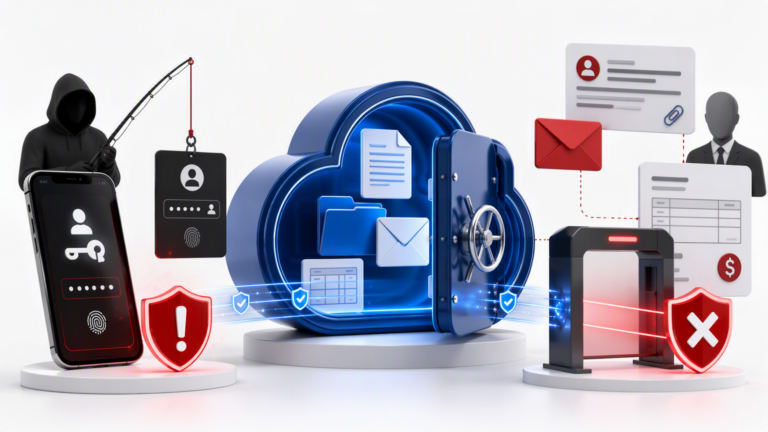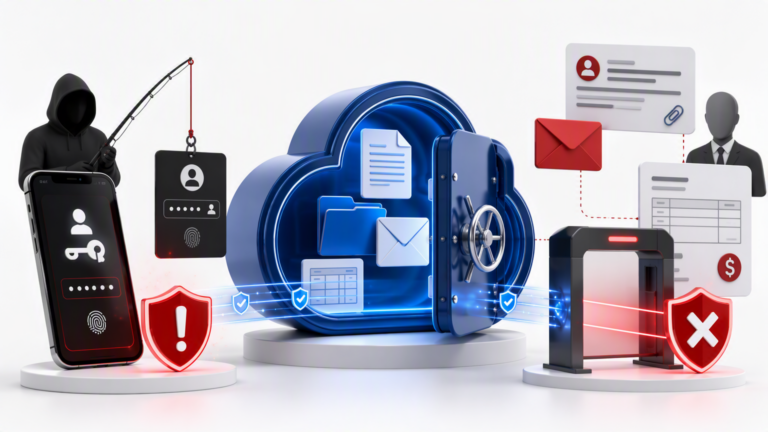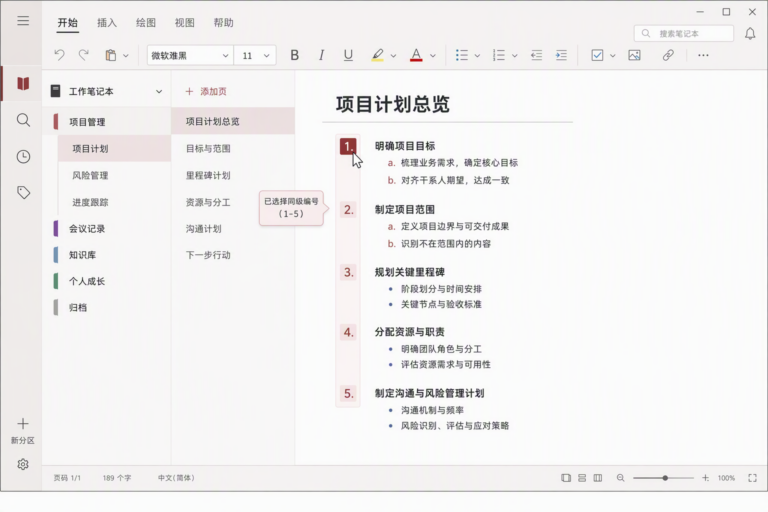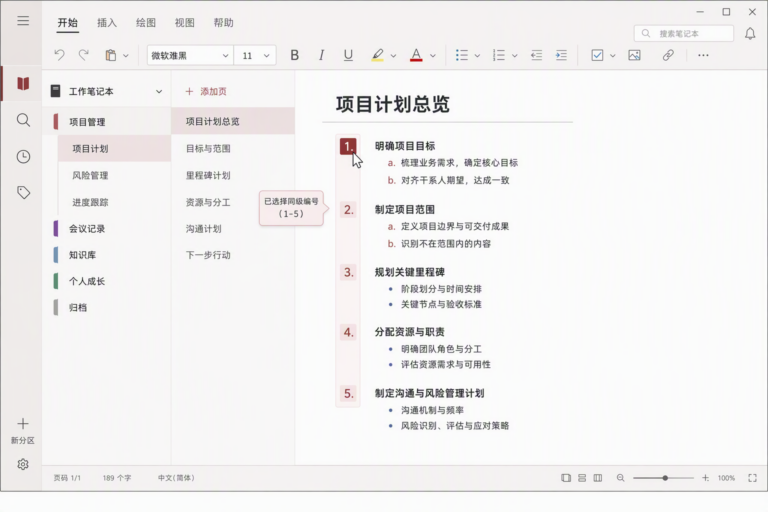

On January 24, 2026, Microsoft released a critical out-of-band update for Windows 11, KB5078127, targeting versions 24H2 and 25H2. This update addresses key issues affecting enterprise and advanced users, including fixes for Outlook attachments stored on OneDrive or Dropbox that fail to open, printer spooler crashes, remote desktop and shared folder access problems, and third-party printer driver compatibility.
This article provides a detailed explanation of the KB5078127 update, its benefits, installation methods, and practical advice for both IT administrators and power users.
Key Fixes:
1. Outlook Attachments Not Opening: The update resolves permission and file sharing conflicts causing attachments stored in cloud sync folders to be inaccessible, improving file opening speeds and reducing corruption errors.
2. Printer Spooler Stability: Addresses memory leaks and error handling in the Print Spooler service, significantly reducing crashes and print queue freezes, especially in complex enterprise environments.
3. Remote Desktop and Shared Folder Stability: Enhances network session management and access control, improving connection reliability for VPN and hybrid cloud setups.
4. Third-Party Printer Driver Compatibility: Improves driver support for popular printer brands like HP, Canon, and Epson, ensuring smoother device operation and better print quality.
Installation:
– Automatic push via Windows Update for connected devices.
– Manual download and installation from the Microsoft Update Catalog.
– Recommended for enterprise deployment through WSUS and group policies.
FAQs include scope for Windows 10 users, performance impact, troubleshooting post-update issues, and deployment strategies to minimize business disruption.
Keeping your Windows 11 system updated with KB5078127 is essential for maintaining a stable and efficient digital workspace.
For more professional IT management support and Microsoft solutions, visit the official De-Line Information Technology website.
************
The above content is provided by our AI automation poster